AI Shopify Store Builder: What It Builds and What You Still Do (2026)

An AI Shopify store builder takes a few inputs, usually a niche or a one-line description of your brand, and generates a working Shopify storefront: theme, homepage layout, product pages, starter copy and, with the dropshipping-focused tools, a handful of preloaded products. The build takes minutes. Turning that build into a store that actually sells still takes you a few days of editing, checking and research.
This guide covers what an AI-built Shopify store really includes, the main options in 2026 (Shopify's own builder, AutoDS, DropGenius from Spocket, Zendrop and others), what each costs once the trial ends, and the checklist you should run before you spend a dollar on ads.
What an AI Shopify store builder actually does
Every AI Shopify store builder does some version of the same four jobs. Knowing which ones a tool handles, and how well, tells you how much work is left for you.
- Design. It picks or generates a theme, sets colors and fonts, and lays out a homepage with sections like a hero banner, featured collection and trust badges.
- Copy. It writes a store name suggestion, headlines, an About page and product descriptions.
- Products. Dropshipping builders import 10 to 20 products from their own supplier catalog, priced and ready to publish. Shopify's native builder doesn't add products for you.
- Setup. Some connect a domain, install their own app, and create basic pages (contact, FAQ, shipping policy templates).
What none of them do is decide whether those products will sell to your audience at a profit. That part is still on you, and it's the part that decides whether the store makes money.
Shopify's own AI tools: AI store builder and Sidekick
Shopify launched its native AI store builder in its Summer '25 Edition. You describe your business in a few words, and Shopify generates storefront layouts with images and text that you then edit in the theme editor. TechCrunch's launch coverage used the example prompt "tennis gear and stylish athleisure." The same release introduced the Horizon theme family, where AI can generate custom theme blocks from a plain-language description.
The second piece is Sidekick, Shopify's built-in assistant (Shopify Magic is the older umbrella name for its AI writing features, and you'll still see both terms). According to Shopify's Sidekick documentation, it can analyze store data, edit products, write product descriptions and blog posts, generate images, build small custom apps, and run longer tasks in the background while showing you changes for review before applying them. Sidekick Pulse adds proactive suggestions on your admin Home page.
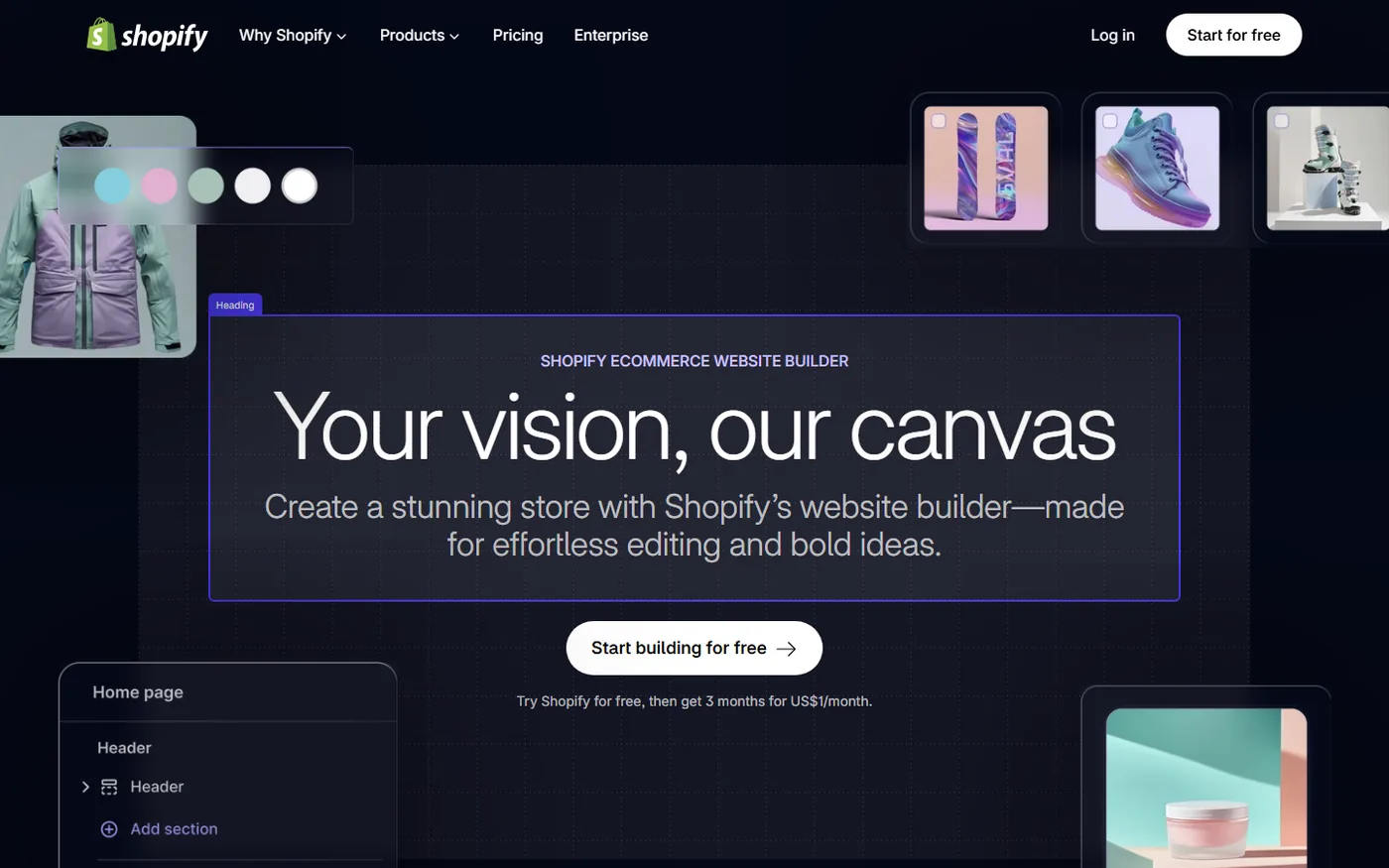
Where Shopify's AI store builder fits: it's the cleanest option if you already have products, a brand idea or your own supplier. It gives you a design head start, not a stocked store. There's no product catalog, no "winning products" list, and no supplier connection. You bring those.
Cost: the builder itself has no separate fee. You pay for Shopify. In the US that's currently a 3-day free trial, then $1/month for three months on eligible plans, then Basic at $39/month billed monthly or $29/month billed annually. Prices differ by country, so check the pricing page from your own location.
Third-party AI store builders for dropshipping
These tools exist mainly to get you onto their supplier platform. That's fine, as long as you know it. The store is the hook; the monthly app subscription and product margins are the business model.
AutoDS AI Store Builder
AutoDS asks you to pick a niche, then builds a Shopify store with 10 products from its catalog, a niche theme, prebuilt product pages and a free .store domain. The store comes with a $1 AutoDS trial. After the trial you're on a paid AutoDS plan; its pricing page lists the trial and add-ons (auto-ordering at $9.90/month, for example), and plan prices vary by sales channel. AutoDS also runs a separate free builder at buildyourstore.ai that works the same way.
Good for: beginners who want AliExpress and AutoDS-catalog products imported and synced from day one. Watch: a .store domain is free in year one, but most buyers trust a .com more, and you'll pay renewal after that.
Spocket's AI store builder and DropGenius
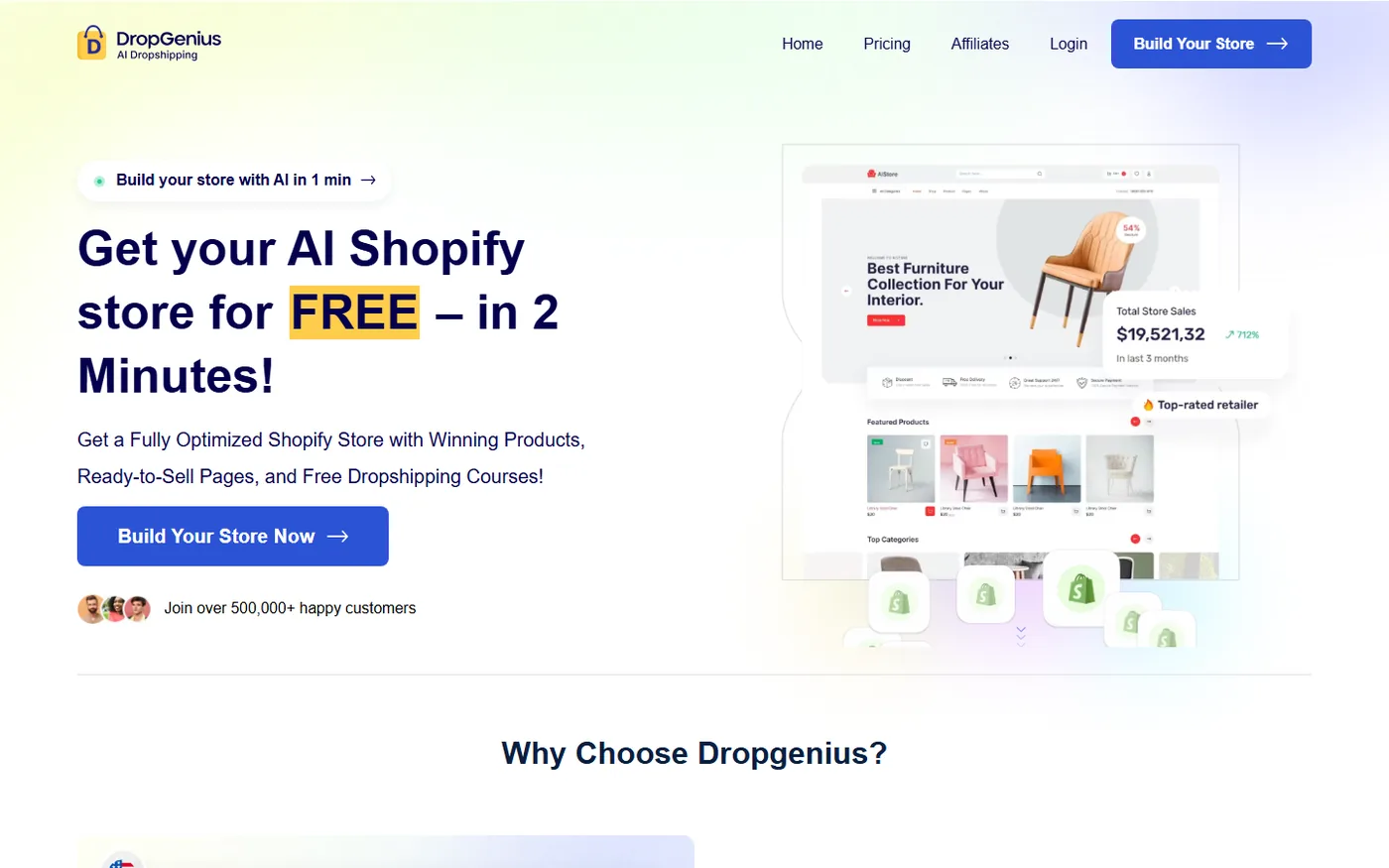
Spocket's homepage now leads with a "Build your store with AI in 1 min" button that runs through Spocket signup, and its menu lists an AI Store Builder ("Build a premium store with AI"). Spocket also offers DropGenius, an AI store generator that runs you through a short quiz, sets up a Shopify store with a theme matched to your category and preloads 20 products. DropGenius draws on US and EU suppliers through Spocket plus AliExpress products. Pricing on its site: a one-time store fee from $1.99, then monthly plans from $39.99 to $299.99 after a 14-day trial.
Good for: sellers who want faster shipping to US and European buyers than a typical AliExpress product gives. Products from domestic suppliers cost more per unit, so check margins product by product. (Disclosure: Spocket is a sister company of Dropshiptool.)
Zendrop AI-Built Stores
Zendrop's AI-built store comes with a Zendrop theme, 20 handpicked products and a traffic guide. You request it inside the Zendrop app under "+Add New Store," and Zendrop says you can launch "in days, not weeks." Zendrop's Shopify App Store listing shows paid tiers of $29/month (up to 20 linked products), $49/month (21 to 100) and $79/month (101+). The prebuilt-store page doesn't say which plan you need, so ask support before you commit.
Sell The Trend, Storebuild.ai and others
Sell The Trend includes an AI Brand Builder on all plans, and its own store platform (SellShop) on the Essential and Pro tiers. Storebuild.ai builds a free Shopify store with 10 products and partners with Shopify on the trial. Page builders like GemPages and Shogun also have AI layout tools, but they redesign pages rather than build an entire stocked store.
AI Shopify store builder cost comparison (2026)
The "free store" headline is true for the build and misleading for the business. Here's what you actually pay. Prices are USD as listed on each vendor's site or Shopify App Store listing in October 2026; promos change often.
| Builder | Upfront cost | Products included | Ongoing cost (besides Shopify) | Best for |
|---|---|---|---|---|
| Shopify AI store builder | Free with Shopify trial | None | None for the builder | Your own products or brand |
| AutoDS AI Store Builder | $1 AutoDS trial | 10 | AutoDS plan + optional add-ons | AliExpress-style catalog, automation |
| DropGenius (Spocket) | From $1.99 one-time | 20 | $39.99 to $299.99/month after 14-day trial | US/EU suppliers, faster shipping |
| Zendrop AI-Built Store | Not listed | 20 | $29 to $79/month by linked products | All-in-one sourcing and fulfillment |
| Storebuild.ai | Free | 10 | None listed | Quick test store |
| Sell The Trend | Paid plan | You choose | Essential tier or higher for the store builder | Research plus store in one tool |
Worked example. Say you build with DropGenius on Shopify Basic. Months one to three: $1/month for Shopify, plus the supplier plan once the 14-day trial ends ($39.99). From month four, Shopify Basic billed monthly is $39 and the supplier plan is still $39.99. That's $78.99 a month in fixed costs before a single ad, app or domain renewal. If your average order makes $12 in profit after product, shipping and payment fees, you need seven orders a month just to cover software. Run your own numbers with the dropshipping profit margin calculator and read the full breakdown of dropshipping running costs.
What AI does well, and where you still need a human
| Task | How well AI handles it | What you still do |
|---|---|---|
| Theme and layout | Good. Clean, mobile-friendly, consistent | Swap stock hero images, fix spacing, remove sections you don't need |
| Product descriptions | Decent first draft | Check every spec against the supplier listing; cut vague claims |
| Store name and branding | Generic | Pick a name you can trademark and get on .com and social handles |
| Product selection | Weak. Same "winners" go to every user | Validate demand with real sales and ad data |
| Pricing | Applies a default markup | Price from landed cost, shipping and ad cost per order |
| Policies | Templates only | Write shipping times and returns that match your actual supplier |
| Legal and tax | Not covered | Business registration, sales tax/VAT setup, payment provider checks |
The weakest spot is product selection. Builders that preload "winning products" give the same short list to many new users at once. If hundreds of people launch the same posture corrector on the same theme, the ad auction gets expensive fast. Use the preloaded products as placeholders and replace most of them.
How to build an AI-built Shopify store, step by step
- Pick the niche before the tool. Choose a niche with repeat buyers and products in the $25 to $80 range, where a $15+ margin is realistic. Our niche selection guide walks through this.
- Choose the builder that matches your supplier. Want US/EU shipping? Spocket/DropGenius. Want AliExpress-style prices? AutoDS or AliDrop. Have your own products? Shopify's native builder.
- Run the generator. Give it a specific prompt. "Minimalist home office gear for remote workers, calm neutral colors" beats "home stuff."
- Generate two or three versions and keep the cleanest. Shopify's builder gives you several layouts to choose from.
- Replace the product list. Keep two or three of the preloaded products at most, then add products you've validated yourself.
- Rewrite the copy that matters. Homepage headline, top three product pages, About page. Leave footer filler for later.
- Set prices from real costs, not the tool's default multiplier.
- Write real policies and set payments, taxes and shipping zones under Settings in your Shopify admin.
- Place a test order end to end, including the supplier side, before launch.
For the full platform walkthrough, see how to dropship on Shopify.
Checklist after the AI is done
Run this before you turn on ads. Most AI-built stores fail one or more of these on day one.
- Every product page has real supplier photos or your own photos, not AI renders. The item the customer receives must match the image.
- Specs (size, material, battery, compatibility) match the supplier listing word for word.
- No invented claims like "clinically proven," "FDA approved" or "#1 bestseller."
- No fake reviews. The US FTC's 2024 rule on fake reviews and testimonials explicitly covers AI-generated reviews, and knowing violations can bring civil penalties.
- Shipping policy states real delivery windows for each region.
- Returns policy says who pays return shipping and where items go. See our returns and refunds guide.
- Contact page has a working email, and the business name appears in the footer.
- Delete leftover demo text, sample collections and "Lorem ipsum."
- Check mobile: hero image crop, sticky add-to-cart, page speed.
- Remove apps the builder installed that you won't use. Each one can add a monthly fee and slow the store.
How to pick products the AI won't pick for you
Since the builder's product list is the weakest part, spend your saved hours here. Look for products other Shopify stores are actually selling right now, not ones that went viral a year ago. Dropshiptool's Product Database lets you filter products by store revenue and trend, and the Sales Tracker shows estimated daily sales for competing stores, so you can see whether a product is climbing or fading before you add it. When you want to see how a top store is built, the free Shopify Theme Detector tells you which theme it uses.
.avif)
A simple rule: if you can't find at least two independent stores selling a product with steady sales and fresh ads, don't let the AI talk you into it. You can try Dropshiptool to run that check on the AI's preloaded products before launch.
Common mistakes with AI-built stores
- Launching the default store. Ad reviewers and shoppers both recognize templated stores. Change the hero image, headline and color palette at minimum.
- Keeping the default markup. A 2x markup on a $9 product with $6 shipping leaves almost nothing after ads.
- Trusting AI-generated product images. If the photo shows a nicer item than the supplier sends, expect refunds and chargebacks.
- Stacking free trials. Three trials ending the same week can add $100+ a month in charges you forgot about. Put the end dates in your calendar.
- Ignoring the platform choice. If you're not sure Shopify is right for you, compare it first in our guide to ecommerce website builders.
Is an AI Shopify store builder worth it?
For a first store, yes, with the right expectations. It saves the hours most beginners lose fighting a theme editor, and it gets you to a real checkout fast. It does not save you from product research, pricing math or customer service, and the preloaded "winners" are the least valuable part of the package.
If you already know your niche and supplier, start with Shopify's native AI store builder and add products yourself. If you want a supplier connected from minute one, choose the third-party builder whose catalog and shipping times suit your market, then treat its output as a draft. For the other AI jobs in your store, from ad copy to support, see our roundup of AI tools for dropshipping.
When the store is built, the next question is what to sell. Start with Dropshiptool to find products with real, current sales behind them.