Best Ecommerce Website Builders in 2026: 6 Platforms Compared

The best ecommerce website builder for most new online stores in 2026 is Shopify: it has the strongest checkout, the biggest app store and the widest choice of dropshipping apps. It isn't the right answer for everyone, though. WooCommerce is cheaper to run if you're comfortable with WordPress, Wix and Squarespace suit small catalogs where design matters more than scale, BigCommerce builds more features into its plans, and Webflow is for design-led brands with developers on hand.
Below we compare six ecommerce website builders on verified 2026 pricing, transaction fees, who each one is for and, since this is a dropshipping blog, how well each works with dropshipping suppliers.
Ecommerce website builders compared: 2026 pricing
Prices are US dollars for the entry-level plan that can sell online, shown as billed annually / billed monthly where both exist. Every platform charges more in some countries and less in others, so confirm on the vendor's pricing page from your location before you commit.
| Platform | Entry ecommerce plan | Higher tiers | Extra transaction fee | Dropshipping apps |
|---|---|---|---|---|
| Shopify | Basic $29 / $39 per month | Grow $79 / $105; Advanced $299 / $399 | None with Shopify Payments; 2% on Basic with a third-party gateway | Largest choice (Spocket, AliDrop, AutoDS, DSers, Zendrop) |
| WooCommerce | Free plugin + hosting | Paid extensions as needed | None from WooCommerce | Good (Spocket, AliDropship and others) |
| Wix | Core $29/month (annual) | Business $39; Business Elite $159 (annual) | None from Wix | Moderate (Spocket, Wix's own dropshipping apps) |
| Squarespace | Basic $16 / $25 | Core $23 / $36; Plus $39 / $56; Advanced $99 / $139 | 2% on Basic; 0% on Core and up | Limited (mostly print-on-demand) |
| BigCommerce | Core $29 / $39 | Growth $79 / $105; Scale $299 / $399 | $0 with embedded providers; 2% / 1% / 0.6% with open providers | Moderate (Spocket and others) |
| Webflow | Ecommerce Standard $29 (annual) | Plus $74; Advanced $212 (annual) | 2% on Standard; 0% on Plus and up | Very limited |
Sources: BigCommerce pricing, Shopify pricing, and each platform's published US rates as of October 2026. Card processing fees (typically around 2.9% + $0.30 per US online card payment on entry plans) come on top of everything above.
What to look for in an ecommerce website builder
Shopify's own website builder page lists the basics every store needs: drag-and-drop editing, mobile-ready themes, SEO controls, hosting, SSL and a secure checkout. Every platform in this guide covers those. The differences that actually cost or make you money are elsewhere:
- Total monthly cost at your volume. Plan fee + apps + payment fees + any platform transaction fee. A $16 plan with a 2% fee costs more than a $23 plan once you pass $350 a month in sales.
- Checkout conversion. Accelerated checkouts (Shop Pay, Apple Pay, PayPal) matter more than templates.
- App ecosystem. If the supplier, review, email or upsell app you need doesn't exist for the platform, you'll be doing it by hand.
- Sales caps. BigCommerce moves you up a plan when your trailing 12-month sales pass a threshold. Webflow caps product counts per plan.
- Who maintains it. Hosted builders (Shopify, Wix, Squarespace, BigCommerce, Webflow) handle security and updates. WooCommerce makes that your job.
- Dropshipping support. Does a supplier app sync products, inventory and orders automatically?
1. Shopify: best ecommerce website builder overall
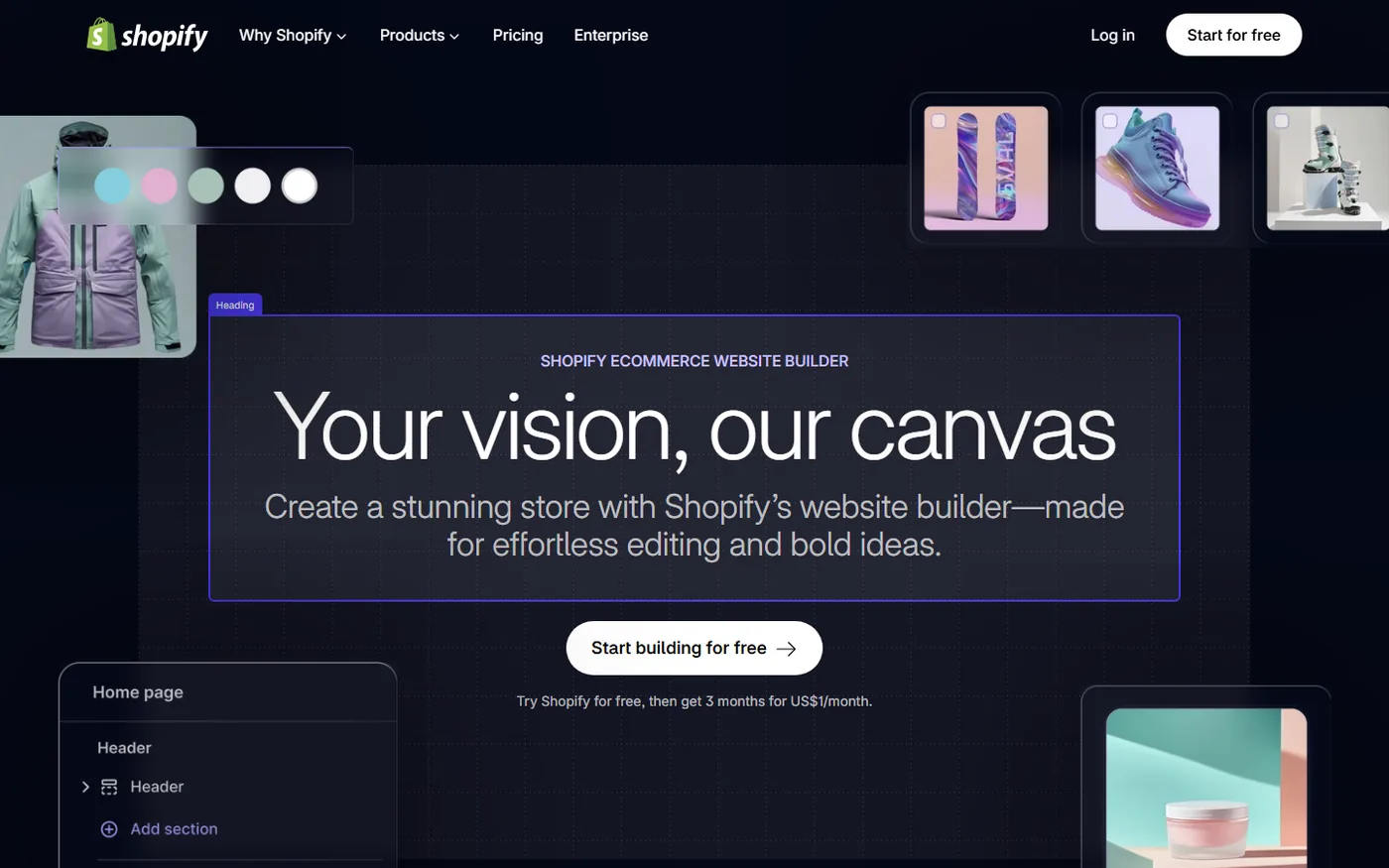
Shopify is built only for selling, and it shows. Its app store lists 13,000+ apps, its checkout supports Shop Pay out of the box, and it now includes an AI store builder that generates a starting design from a short description of your brand, plus the Sidekick assistant for edits, product descriptions and reports. New US merchants get a 3-day free trial, then $1/month for three months on eligible plans.
- Pricing: Basic $29/month billed annually or $39 monthly; Grow $79/$105; Advanced $299/$399; Plus from $2,300/month.
- Fees: no extra fee with Shopify Payments. Use a third-party gateway and Shopify charges 2% on Basic, 1% on Grow and 0.6% on Advanced.
- Best for: dropshippers, DTC brands, anyone who wants to scale ads and needs reliable checkout and apps.
- Watch out: apps add up. Five $10 apps double the cost of a Basic plan.
What about Shopify Starter? Starter was a $5/month plan for selling through social links and a simple storefront. It's very limited (one theme, no collections, no custom templates), and Shopify's help center now says Starter isn't available to new stores. If you're starting fresh, plan on Basic.
Dropshipping: the strongest of any builder. Spocket (US/EU suppliers), AliDrop (AliExpress), AutoDS, DSers and Zendrop all sync products, prices and orders. See our step-by-step guide on how to dropship on Shopify.
2. WooCommerce: best for WordPress users and full control
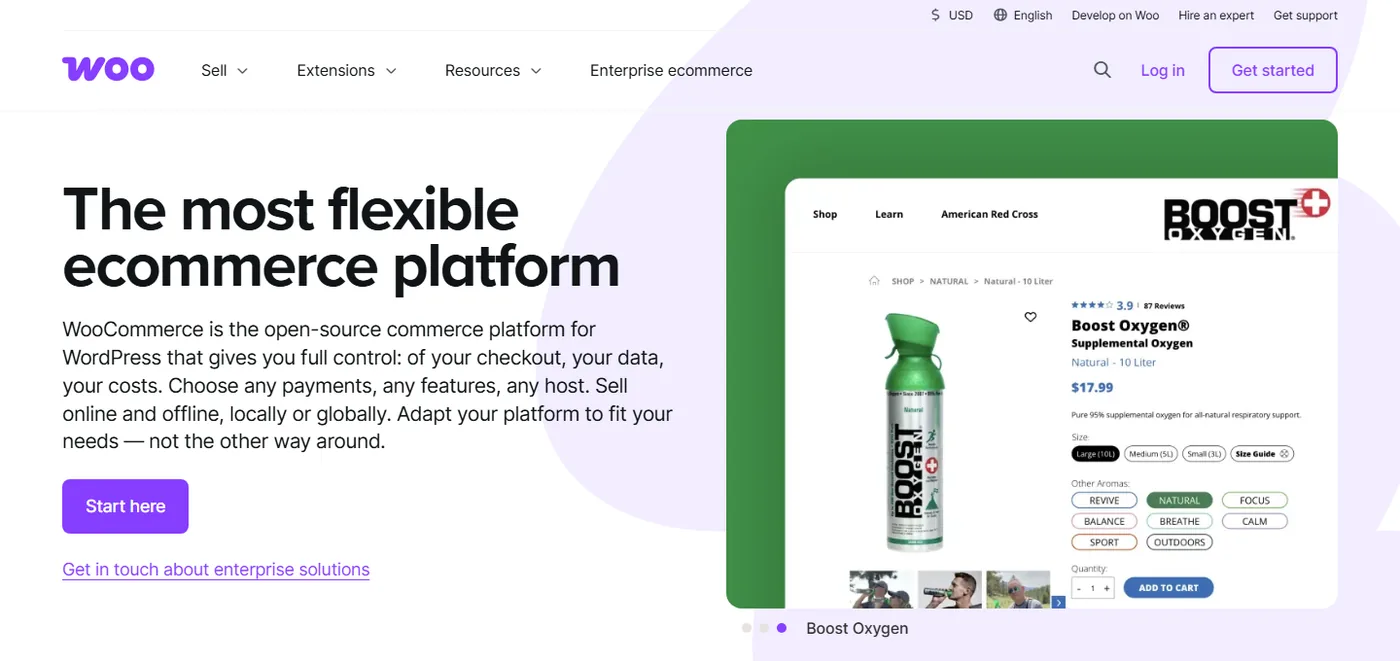
WooCommerce is a free, open-source plugin that turns a WordPress site into a store. You own the code and the data, and there's no platform fee on sales. WooPayments charges 2.9% + $0.30 for US-issued cards, similar to Stripe.
- Pricing: the plugin is free. You pay for hosting, a domain, a theme and any paid extensions. A realistic small store runs about the same as Shopify Basic once you add decent managed hosting and a couple of extensions, and less if you're comfortable on cheap hosting.
- Best for: content-heavy stores, people already running WordPress, and sellers who want full control over SEO and code.
- Watch out: you're responsible for updates, backups, security and speed. Plugin conflicts are the most common cause of broken checkouts.
Dropshipping: good. Spocket integrates with WooCommerce, and plugins like AliDropship connect AliExpress. Read our head-to-head on Shopify vs WooCommerce and the full WooCommerce dropshipping guide.
3. Wix: best for small stores that care about design
Wix's drag-and-drop editor is the most flexible of the hosted builders for people who don't code. You can move any element anywhere, which beginners love and which also makes it easy to build a cluttered store.
- Pricing: Core $29/month, Business $39/month and Business Elite $159/month on annual billing. The Light plan and the free plan can't take payments. Monthly billing costs more.
- Best for: service businesses adding a shop, small catalogs, local brands, creators.
- Watch out: fewer ecommerce apps than Shopify, and you can't switch templates after launch without rebuilding.
Dropshipping: workable. Spocket added a Wix integration in 2020 (announced here), and Wix lists its own dropshipping and print-on-demand apps. Our guide on how to start a Wix dropshipping store covers the setup, and WooCommerce vs Wix compares the two.
4. Squarespace: best for creatives and portfolio-first brands
Squarespace has the most polished templates out of the box. Its Basic plan carries a 2% transaction fee; Core and higher plans remove it and add discounts, carrier-calculated shipping and ecommerce analytics.
- Pricing: Basic $16/month annual or $25 monthly; Core $23/$36; Plus $39/$56; Advanced $99/$139.
- Best for: photographers, designers, restaurants, small fashion labels, and sellers whose site is half portfolio, half shop.
- Watch out: limited app marketplace and fewer marketing integrations than Shopify.
Dropshipping: limited. Printful's print-on-demand integration works well, but general dropshipping apps are thin. Skip Squarespace if dropshipping is your main model. If you're torn between design-focused builders, our Webflow vs Squarespace comparison helps.
5. BigCommerce: best for growing catalogs and B2B
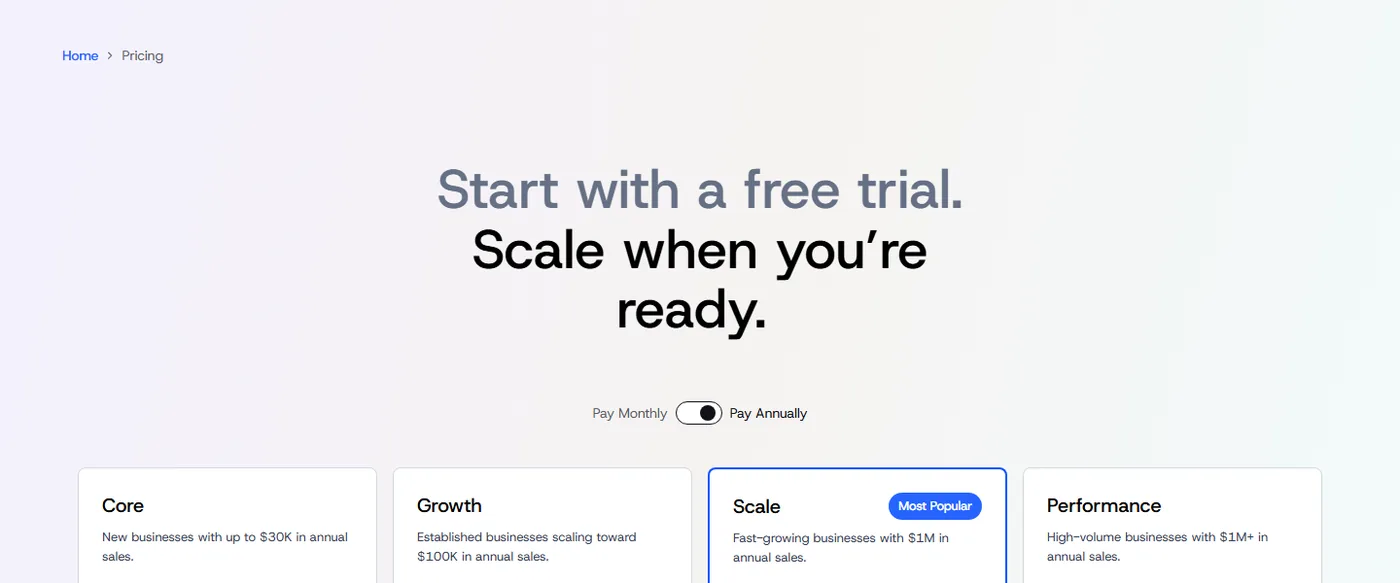
BigCommerce renamed and restructured its plans in 2026: Standard became Core, Plus became Growth, Pro became Scale and Enterprise became Performance. It builds more into its plans than Shopify (product options, B2B features, multiple storefronts on higher tiers), so you need fewer apps.
- Pricing: Core $29/month annual or $39 monthly (up to $30K trailing 12-month sales); Growth $79/$105 (up to $100K); Scale $299/$399; Performance custom from $1,499/month.
- Fees: $0 on orders through embedded payment providers. Orders through "open" providers carry 2% on Core, 1% on Growth and 0.6% on Scale.
- Best for: stores with large or complex catalogs, wholesale or B2B sellers, multi-storefront brands.
- Watch out: the sales thresholds force upgrades. Pass $30K in a year on Core and you're moved to Growth.
Dropshipping: moderate. Spocket integrates with BigCommerce, and there's a decent choice of supplier apps. Our BigCommerce dropshipping guide covers setup.
6. Webflow: best for design-led brands with a developer
Webflow gives designers pixel-level control and clean code, and its CMS is excellent for content marketing. Ecommerce is the weaker part of the product.
- Pricing: Ecommerce Standard $29/month annual (500 items, 2% transaction fee); Plus $74 (5,000 items, no fee); Advanced $212 (15,000 items).
- Best for: brands with a small catalog where the website itself is part of the product story.
- Watch out: fewer payment options, item caps, a steep learning curve, and very few native ecommerce apps.
Dropshipping: very limited. No mainstream dropshipping app syncs orders with Webflow, so you'd be forwarding orders by hand or through automation tools. Not recommended for dropshipping. See Webflow alternatives if you like its design tools but need more commerce.
Which ecommerce website builder is right for you?
| If you are... | Choose | Why |
|---|---|---|
| Starting a dropshipping store | Shopify | Best supplier apps, checkout and ad integrations |
| Already on WordPress or cost-sensitive with tech skills | WooCommerce | No platform fees, full control |
| A small business adding a shop to a brochure site | Wix or Squarespace | Easy design, all-in-one hosting |
| Selling hundreds of SKUs or B2B | BigCommerce | More built-in catalog and B2B features |
| A design agency or design-first brand | Webflow | Design control and CMS |
| Selling print-on-demand art or merch | Shopify or Squarespace | Solid print-on-demand integrations |
What a store really costs per month: a worked example
Take a new dropshipping store doing $3,000 a month in sales across 100 orders.
- Shopify Basic (monthly billing) with Shopify Payments: $39 plan. No extra transaction fee. Card fees at 2.9% + $0.30 come to $87 + $30 = $117. Add a supplier app and a reviews app at around $40 combined. Total: about $196.
- Same store on Shopify Basic with a third-party gateway: add Shopify's 2% fee, which is $60 more, on top of the gateway's own processing fees.
- Squarespace Basic (monthly): $25 plan + 2% transaction fee ($60) + card fees. Already more than Squarespace Core at $36, which has no transaction fee.
The lesson: at even modest volume, the transaction fee matters more than the sticker price. For the full picture of software, ads and hidden fees, read the true cost of running a dropshipping business.
Can you switch ecommerce website builders later?
Yes, but it's more work than people expect, so it pays to choose well the first time. Products, customers and order history can be exported as CSV files from every platform here and imported elsewhere, and Shopify, BigCommerce and WooCommerce all have migration apps or services that move the bulk of the data. What doesn't move cleanly: your theme and design (you rebuild it), app data such as reviews and loyalty points (each app has its own export), and your URLs. Product and collection URLs change format between platforms, so set up 301 redirects from every old URL to its new one, or you'll lose the search rankings you built. Plan a migration for a quiet sales week, keep the old store live until redirects are tested, and re-check your payment, tax and shipping settings before you switch the domain over.
Common mistakes when choosing an ecommerce website builder
- Comparing sticker prices only. The plan fee is rarely the biggest cost. Payment fees, transaction fees and apps usually add up to more, as the worked example above shows.
- Picking for design, then discovering the app gap. A beautiful Squarespace or Webflow site is a poor choice if the supplier, reviews or upsell app you need only exists for Shopify. List your must-have apps before you sign up.
- Paying annually before you've validated the business. Annual billing saves 25% or more on most platforms, but only if the store survives the year. Pay monthly until you have consistent sales, then switch.
- Ignoring payment provider availability. Shopify Payments, Wix Payments and similar built-in processors are only offered in a limited list of countries. Check which gateways work for your business before you build, because on some platforms a third-party gateway adds a platform fee on every order.
- Overbuilding on day one. You don't need Grow, Business Elite or Scale to make your first sale. Start on the entry plan and upgrade when a specific feature or fee saving pays for itself.
- Forgetting who will maintain it. WooCommerce is cheap until a plugin update breaks checkout on a Saturday. If nobody on your team can fix that, a hosted builder is the safer choice.
Ecommerce website builders and AI in 2026
Every major builder now has AI features: Shopify's AI store builder and Sidekick, Wix's AI site generator, Squarespace's Blueprint AI, and AI writing tools across the board. They're useful for a first layout and draft copy. None of them will choose products, set prices or write accurate specs for you. Our guide to the AI Shopify store builder options covers what they get right and wrong.
Picking the platform is step one; picking products is step two
Most stores that fail on any of these platforms fail on product choice, not the builder. Before you build, look at what's already selling: Dropshiptool's Sales Tracker shows estimated sales for competing Shopify stores, the Product Database surfaces products with rising demand, and the free Shopify Theme Detector shows which theme a successful store runs. You can try Dropshiptool while your store trial is running.
.avif)
Our recommendation
For dropshipping, start on Shopify Basic during the $1 trial months, connect one supplier app (Spocket for US/EU shipping, AliDrop for AliExpress), and spend your time on products and ads rather than the theme. Choose WooCommerce if you already know WordPress and want lower fixed costs, BigCommerce if your catalog is large or B2B, and Wix or Squarespace if the shop is a side part of a bigger brand site. Skip Webflow for dropshipping.
Once your store is live, start with Dropshiptool to find products other stores are already selling profitably.